HENLO Woofers!
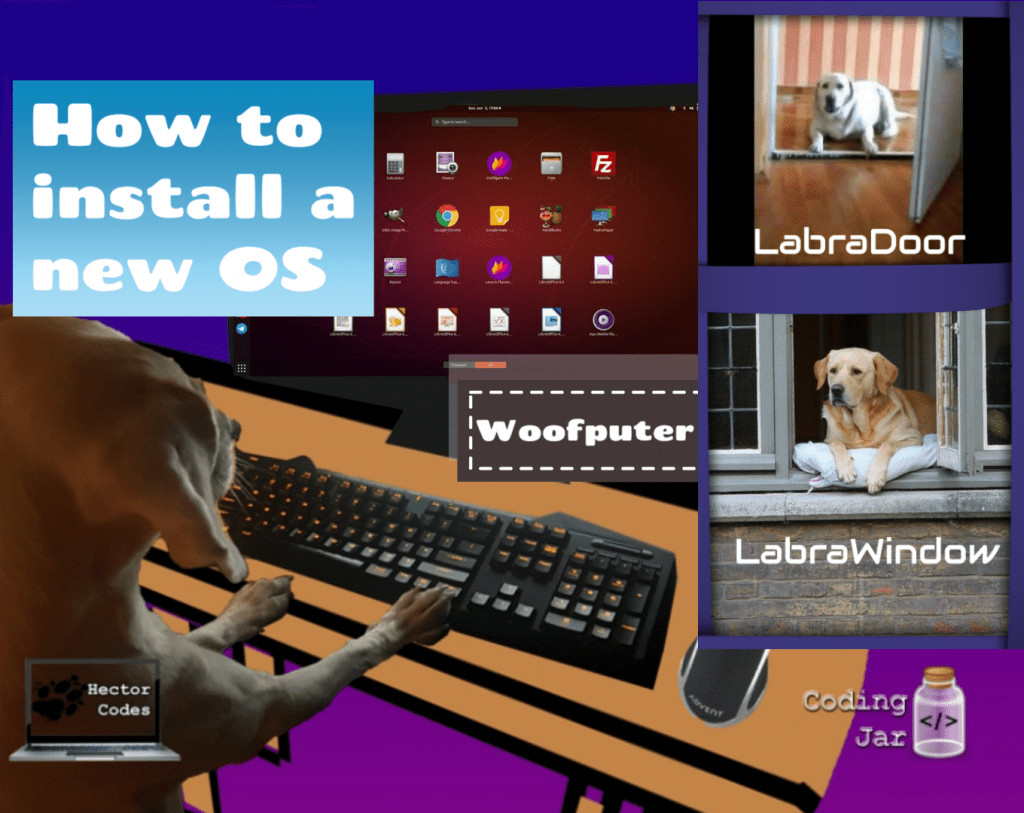
After a long time, I'm here to teach you how to format your iWoof or your WoofPro or any Woofputer you have!
Let's start with the basics!
First you will have to decide which OS (Operating System) you want on your Woofputer...
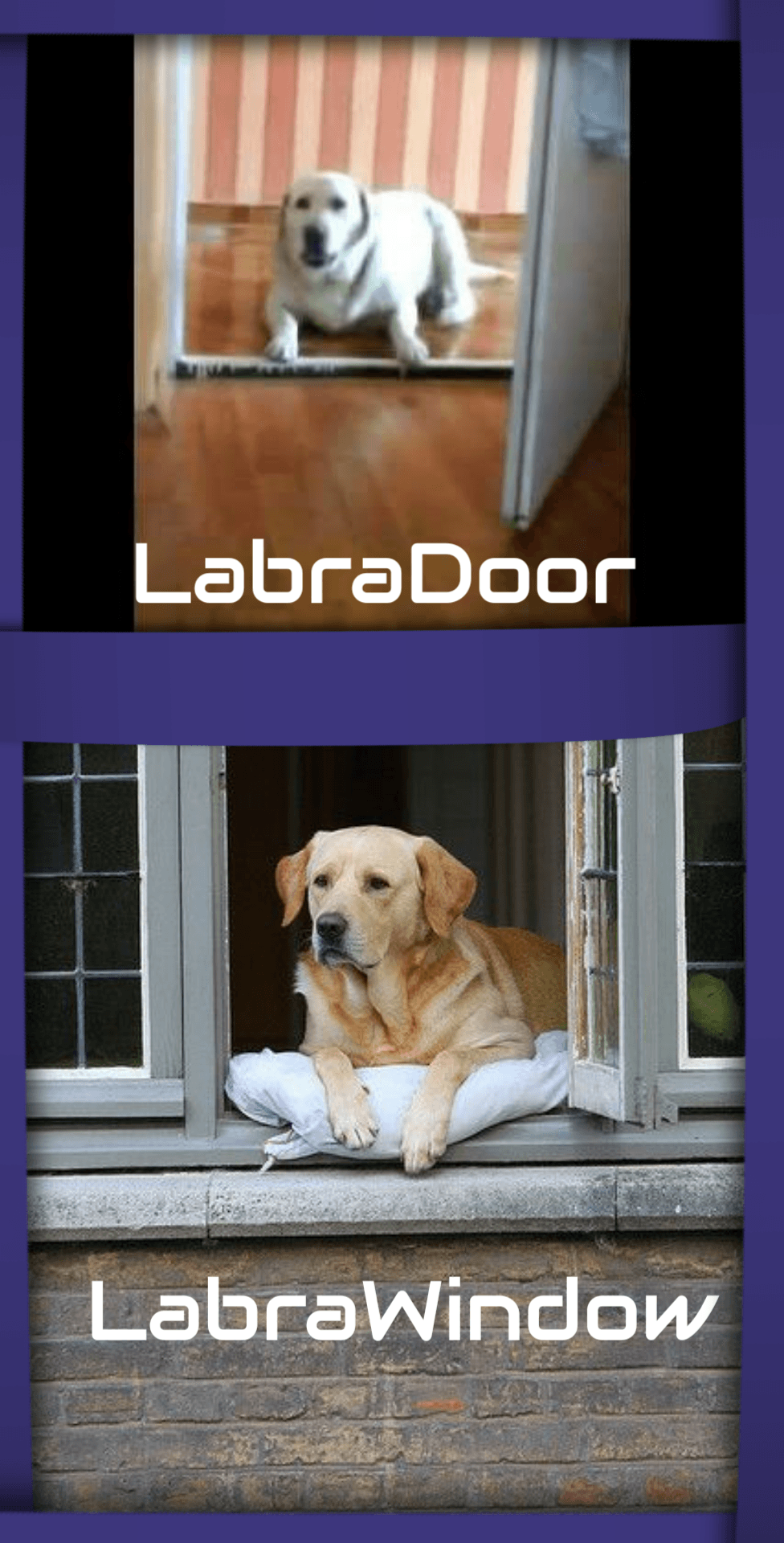
Do you want LabraDoor OS? Do you want Linux (Ubuntu)? Or do you want LabraWindows OS (It's the opposite of LabraDoor OS, you know, Frens with brown color and much energy for playing with you? Yeah That's right! FRENS like me, Hector!)
There are many other OS, like WoofOS (or MacOS), Debian, etc, but I will teach you about them in another lesson...
Well, If you chose Linux (Ubuntu), you chose the right OS, Well Done! Unfortunately LabraDoor OS and LabraWindows OS aren't popular enough, and as a result, there is no support for any of them.
*It is very important to have the right support for the OS you use.
** For a small look at Ubuntu History, Linux and especially Ubuntu is a free and open-source Linux distribution based on Debian and the first release was 20 October 2004. Ubuntu is offered in three official editions:
-Ubuntu Desktop for personal computers
-Ubuntu Server for servers and the cloud
-Ubuntu Core for Internet of things devices and robots.
I believe that Ubuntu, is now the best OS I could use on my Woofputers. Ubuntu is light-weight OS and can run on every Woofputer, whether it has 2GB Ram or 32GB!

How to format your WoofPuter: Step 1
Go to the WoofNet (//www. ) and search for Ubuntu 18.10 Download Now you're a Hacker!
Select the file ubuntu-18.10-desktop-amd64.iso (size 1.9GB) and download it!
Go again to the WoofNet and now search Rufus Download Now you're a Hacker with experience!
Download the .exe file (I believe that you have Windows on your Woofputer) and run it!
Use a USB Stick (larger than 4GB, to be sure that we have enough free space to "burn" Ubuntu on it) and put it in a USB port on your Woofputer.
Open Rufus' window, and select the path of the downloaded Ubuntu file, and the USB Stick that you already put in your Woofputer!
Then Start the Rufus' process to "burn" Ubuntu on your USB Stick
Well Done! You are a Hacker with experience on Linux! 😛
How to format your WoofPuter: Step 2
This is the difficult stage! In this stage we will have to boot the Woofputer from USB. If your Motherboard doesn't support Boot from USB, I'm sorry! I don't know any other way to format my Woofputer! I'm a doggo Fren!
Restart your Woofputer and when it starts again, press F2, or F12, or Delete button (or every button on your keyboard. Some button will work!)
When you can successfully see the Interface of your Motherboard (BIOS), go to the boot options and select the option "Boot from USB"
Exit the Interface by pressing the ESC button and check the option YES to save the changes you did before.
Restart your Woofputer while you have the USB Stick connected to it.
How to format your WoofPuter: Step 3
When your Woofputer starts again from the last change to the boot options, it must boot from your USB Stick!
Well Done! You are a Hacker with experience to boot your Woofputer from an external device!
Now we are at the last step! The step that you almost have the User Interface of Ubuntu in front of you!
In this phase, you will have to set the settings Ubuntu needs (such as Timezone, name of Woofputer, Password [Don't let the password field empty! It's very important to have a password!] etc)
You will also have to format your hard drive to install Ubuntu.
BE CAREFUL. FORMATTING YOUR HARD DRIVE WILL DESTROY EVERY FILE YOU HAVE ON WINDOWS. THIS MEANS A BIG BAD CATTO WILL COME AND SCRATCH IT ALL. IT'S DONE FOR! GONZO!
I usually opt for the automated format and do not really do any crazy stuff with partitioning.
Click next a couple of times and TADA, YOU NOW RUN LINUX
DOGGO HACKER FREN YOU ARE NOW ON HACK MACHINE!
As you can see, Ubuntu is very beautiful, and although it doesn't have some windows features (like waiting 20 hours for updates to finish) it is very well everything you need from a Operating System!
That is for today! Thank you for reading my internal barks, woof woof! <3
Sincerely,
Hektor Fren Doggo
About The Author
Hector Frodo De La Pepsi Dog
Ektoras is the member of the team everyone is fond of. He is the star of Hector Codes and also responsible for most of the noise in our #Quickiversity videos. His coding expertise and time-critical play time have made him the top star of our company!